

Table of Contents:
LINE is a free software application for instant messaging on electronic devices such as smartphones, tablets, and personal computers. LINE users exchange text, images, video, and audio, and conduct free VoIP conversations and video conferences. In addition, LINE is a platform that provides various services, including digital wallet as LINE Pay, news stream as LINE Today, video on demand as LINE TV, and digital comic distribution as LINE Manga and LINE Webtoon. The service is operated by LINE Corporation, the Tokyo subsidiary of SoftBank Group and Seoul Naver.

Line account registration
Do you want to create a line account to chat with friends, including friends from different countries? There are two ways to do this:
- Create line account using a Facebook account.
- Sign up with phone number for Line messanger.
Consider the method using the phone number. For privacy and security, we will use a virtual phone number. What are its advantages:
- Safety. You do not enter a real number, which means you do not risk losing confidential information
- Ease of use. You just need to register an account 1 time and you will be able to use it indefinitely
- It’s cheap. Just a few cents and fake account for Line will be yours!
For a cheap purchase of a virtual number, use the Sms-man service. We have a huge number of virtual numbers for all countries! Let’s go to line create account.
How to create Line account without phone number
For more convenience, we will use Sms-man Telegram Bot.
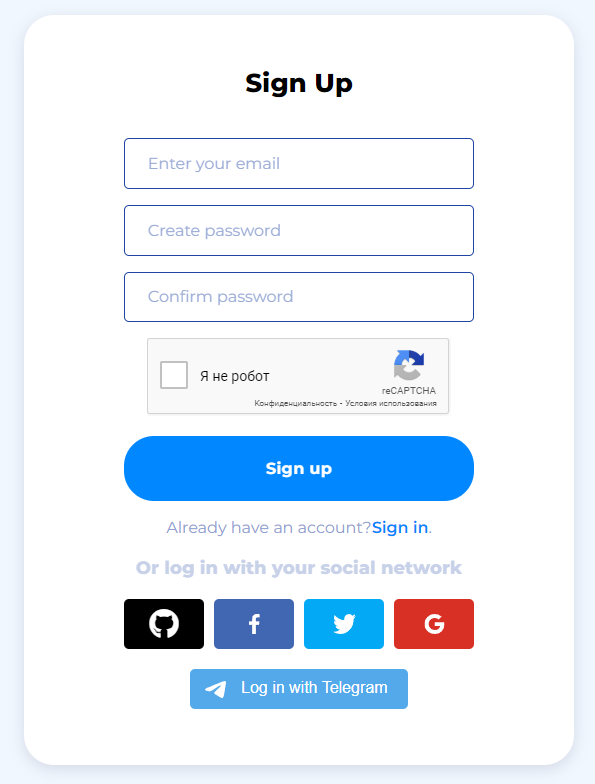
1. Go to the main page of sms-man.com and register.
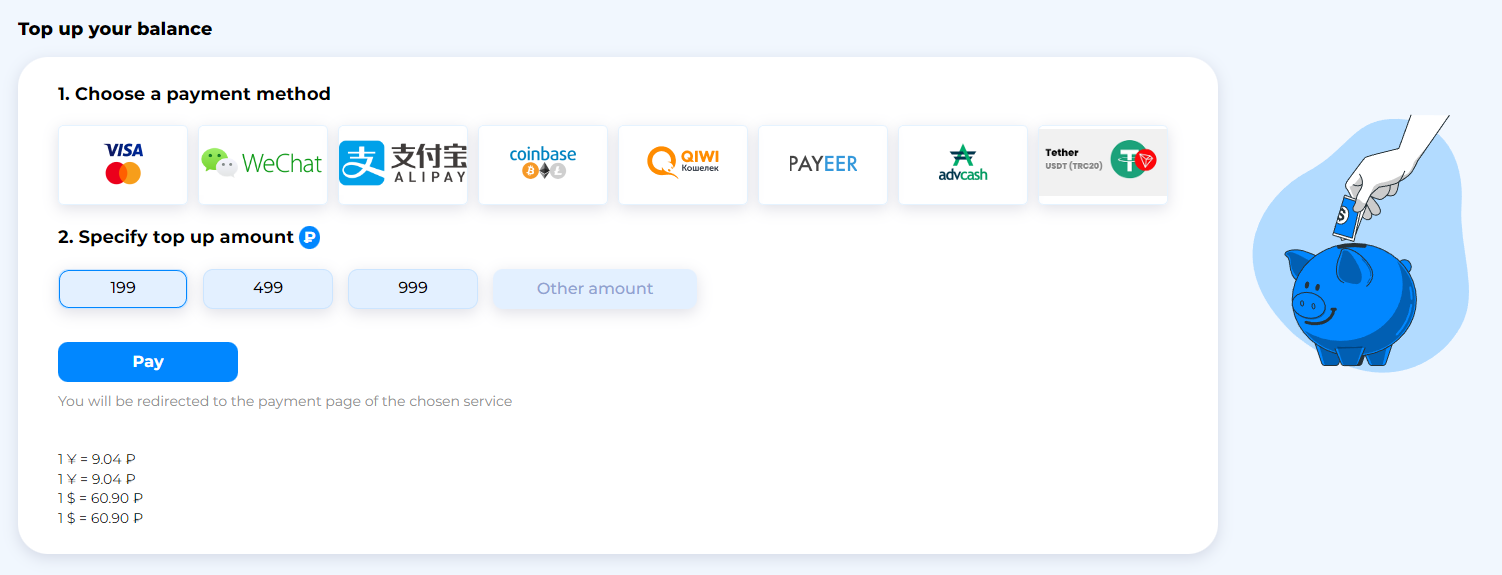
2. Deposit your balance in the section “Payment”.
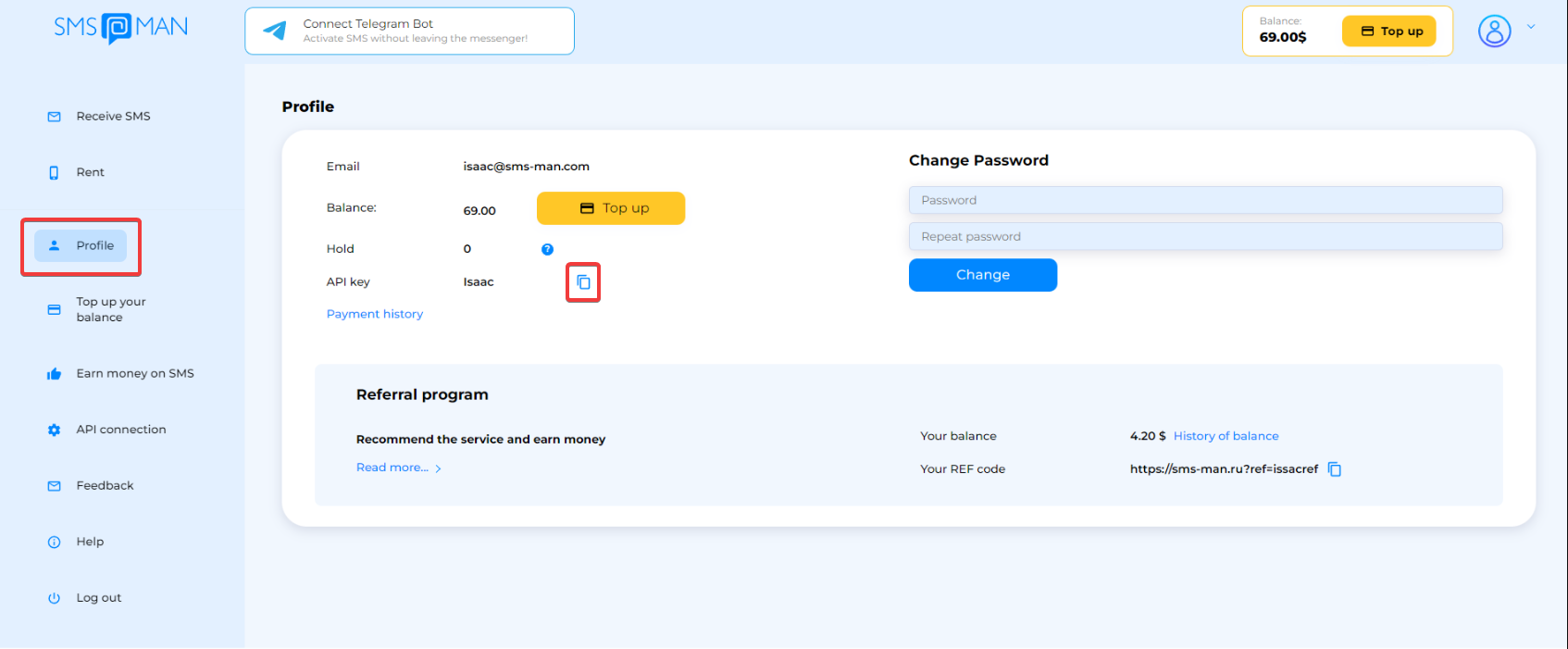
3. Go to Profile section and copy your API key.
4. Go to Telegram bot and paste API key. Then click Buy number button.

5. Choose country that you need (I will use USA).


6. In services enter Line messenger and click him.

7. Ok, we get a phone number. Copy him..

8. ..and open Line app. Click Sign up and paste number from the bot.


9. Go next. We need Line registration code. Go to the Telegram bot and click Get sms. Then enter Line registration code in the app.


10. In the next you need to verify yourself. That’s all, you have successfully Sign Up and complete Line verification!

You have successfully complete register for Line. But, for each separate profile, you will need to use a new virtual number. Also you can Sign Up in Facebook and then Login in Line messenger. Read more.
How to create a line account via Facebook
You can sign in to the Line via facebook. To do this, you need to click Log in, and then Continue with Facebook.


Next, you need to link your Facebook account to Line and that’s it, you can successfully create a profile. Everything is quick and easy. Thus, you can create 2 accounts for the price of 1! To learn more, read this article.

