

Table of Contents:
If you are wondering how to get a virtual number for WhatsApp, you can do it safely without exposing your personal phone number. Using a virtual WhatsApp number allows you to complete phone verification and create accounts while keeping your real contact details private. Many users also prefer using a virtual number for WhatsApp to manage multiple accounts or separate business and personal communication.
Nowadays, most people prefer messaging apps, and WhatsApp remains one of the most popular globally. Over 50% of smartphone users actively use it. The app is free, works on all operating systems, and supports voice calls, video calls, text messaging, file sharing, and group chats.
However, one minor disadvantage is that WhatsApp requires a phone number for account verification. With growing concerns about data leaks and online security, many users do not want to share their personal numbers. They want to use WhatsApp without a phone number linked to their real identity.
Fortunately, you don’t need to avoid this messenger. By buying a virtual WhatsApp number from SMS-MAN, you can create a WhatsApp account securely. The app works through the internet, so the number is needed only for verification. High-quality virtual numbers are fully accepted by WhatsApp’s system, and you can use all functions without limitations or risk of bans.

Application for Your WhatsApp Marketing Campaigns
Almost everyone checks WhatsApp notifications immediately. Message open rates on WhatsApp reach 98%, making it far more effective than email marketing.
A virtual number for WhatsApp can be used for marketing, allowing you to send promotions, reminders, updates, or automated messages. With tools like SendApp, you can:
- Import contacts from WhatsApp or via
.csv,.txt,.vcf, iCloud, or Google Contacts - Send personalized messages, including links, images, videos, emojis, audio files, PDFs, and Office documents
- Target individual contacts, groups, or broadcast lists
Using a virtual number separates personal and business communication while ensuring privacy and security.

How to Buy a Virtual Number for WhatsApp Using SMS-MAN?
You will see that using our platform is super easy:
- Create a personal account. You are not required to share any personal data except for your email address. We respect your privacy.
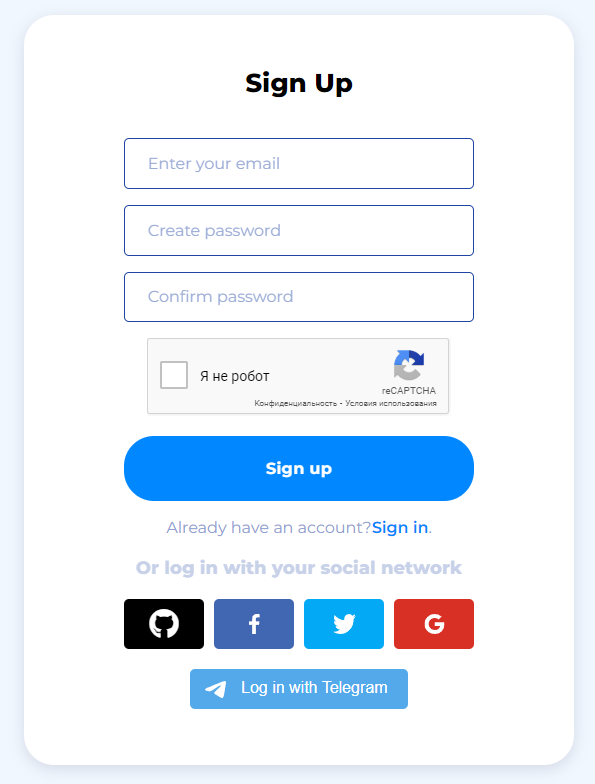
2. Make your first deposit to start shopping at our store.

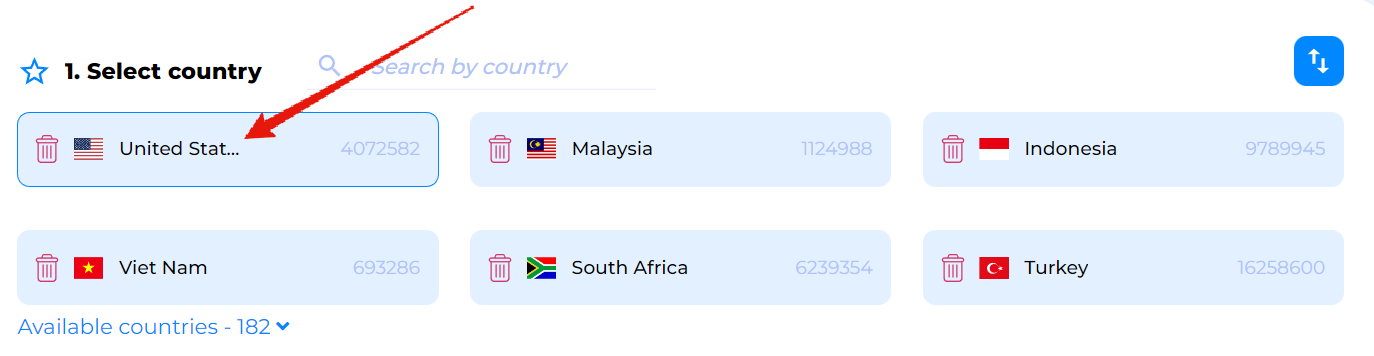
3. Choose a country of a mobile operator on the main page. Sure, on our source, you can purchase a virtual US number for WhatsApp as well.
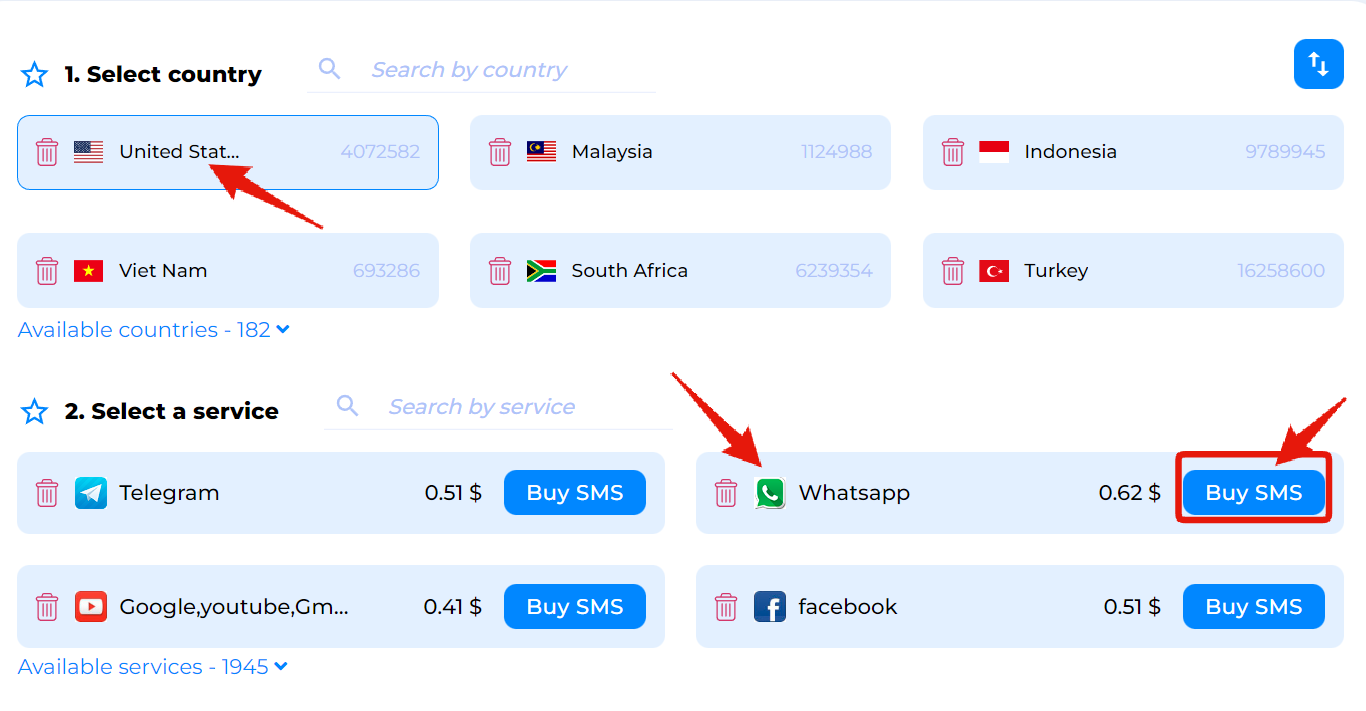
4. Select the service you need.
How to use a virtual number for signing up?
Now, when you have already got your virtual number for WhatsApp, you can proceed with opening an account on this messenger:
- Start the app and paste the number.

2. Then, return to the page “Request History”. Click “Get SMS” and wait a second for a code to appear.
3. Paste the code to finish the registration.

If you need more accounts on this messenger, just buy another number for WhatsApp and use the guidelines above to sign up. Also, at our store, you can get a virtual number for Telegram, Viber, Instagram, Facebook, and other famous services