

Table of Contents:
There is no other video hosting platform in the world as popular as YouTube. Some Internet users might object: “What about TikTok?” Yet, this service still ranks lower in overall popularity. The legendary American platform remains the undisputed leader. According to recent statistics, YouTube is visited by over 2.7 billion monthly active users worldwide, and hundreds of millions watch content daily. It’s no surprise that many entrepreneurs promote their goods and services here or earn income by creating and publishing their own videos.
Many users want to have multiple profiles on YouTube to promote their products and services more effectively. Naturally, they wonder how to register new accounts without purchasing several SIM cards. In this article, we’ll provide clear and straightforward instructions.
How to Create YouTube Account without a Phone Number?
All actions on YouTube are tied to a Google account. So, if you want to verify YouTube without using your personal phone number, you will need to create a second (or even several) Google accounts.
If your phone number is already linked to an existing Google or Gmail profile, the best solution is to buy a virtual number for SMS verification. This allows you to receive the activation code and sign in to YouTube without using your own SIM card. The key advantage is its much lower cost compared to buying a physical SIM.
What is a Virtual Number for YouTube Sign Up?
A virtual number works entirely online and does not require a physical SIM card. You use it to receive SMS messages, including verification codes, through an internet connection. This feature makes it ideal for creating multiple YouTube accounts without revealing your personal phone number or buying additional SIM cards.
With SMS-MAN, you can purchase a virtual number for YouTube verification for as little as $0.18. You can choose from mobile operators in over 170 countries. Unlike many similar services, our platform has no minimum deposit requirement, which is especially convenient for clients who need only one disposable number.
Our website supports payments in USD, local currencies, and cryptocurrency, so signing in to YouTube without a personal phone number is possible from anywhere in the world without extra conversion fees.
How to Make a YouTube Account Using a Virtual Phone Number
So, to verify YouTube without phone number, follow the guidelines below:
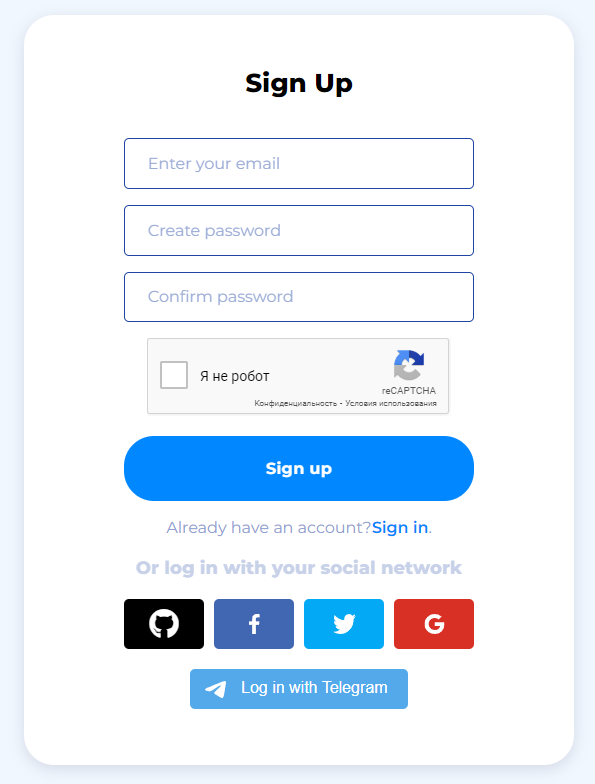
1. Register at sms-man.com and log in to your account.
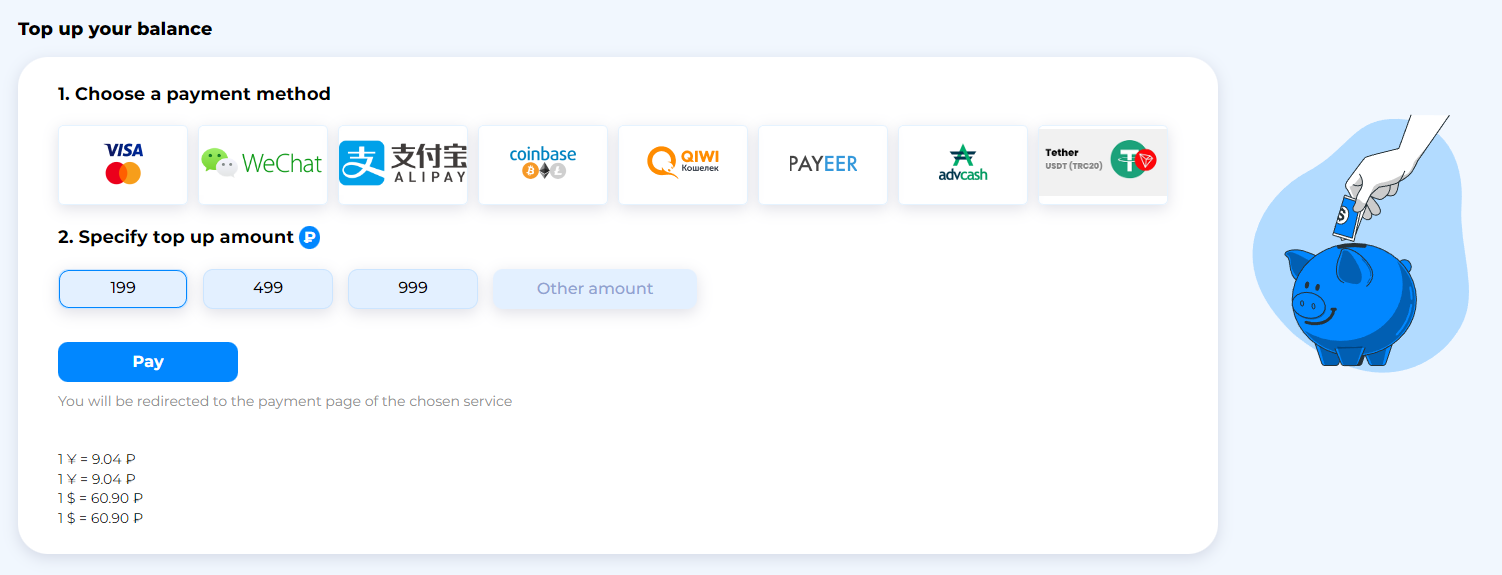
2. Add funds to your balance in the “Top up your balance” section.
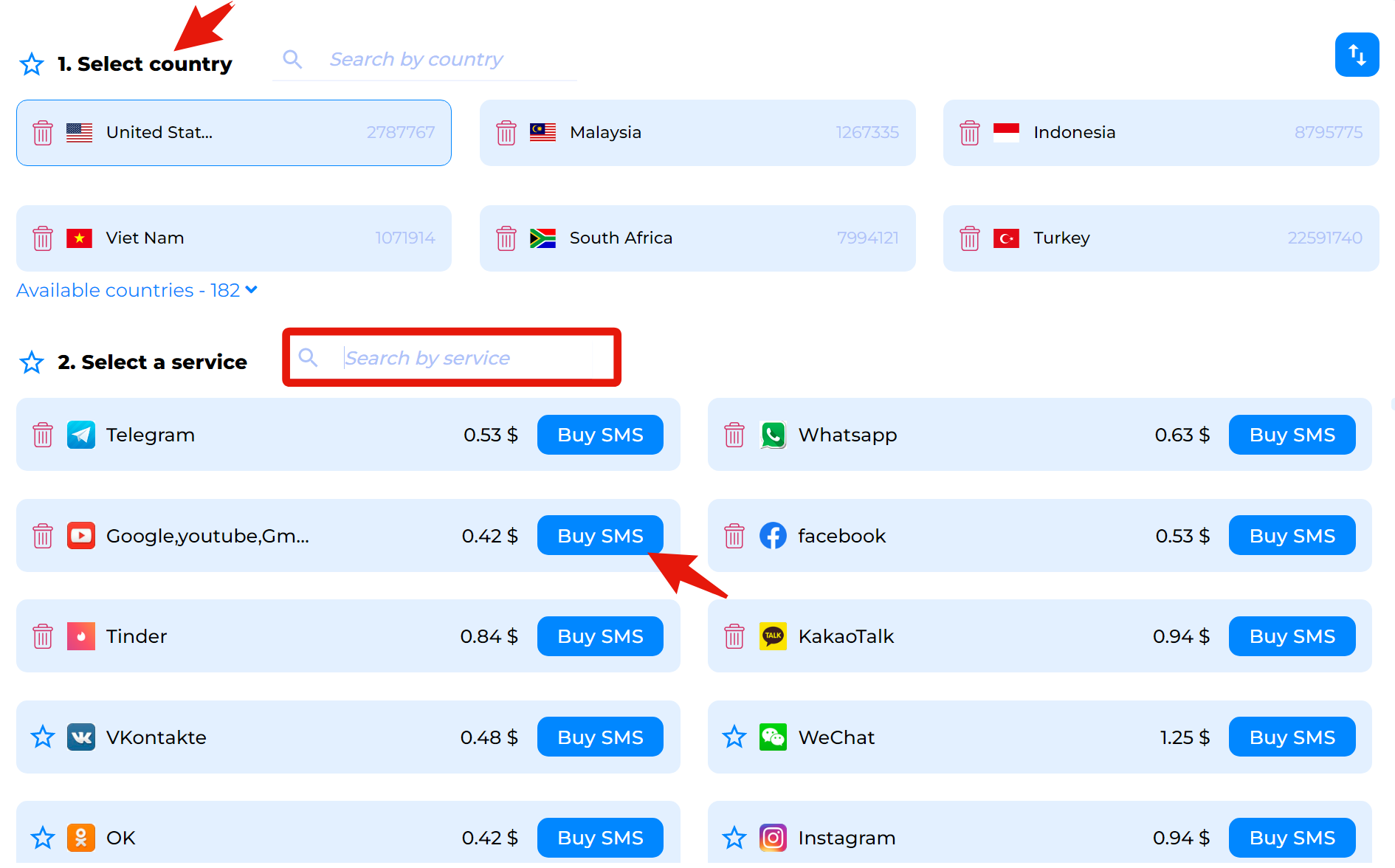
3. Select a country and choose “YouTube” from the list of platforms.
4. Now, go to accounts.google.com and start creating a new Google account.

5. Then, fill in your details: first and last name, available email address, and a secure password.

6. Paste the virtual number from SMS-MAN into the phone number field during registration.

Then, return to SMS-MAN and go to the “History” section. There, you will see your Google verification code (G-XXXXX). Simply enter this code to complete the registration of your new Google account.
Conclusion
So, your Google account is now ready, and you can use it on YouTube without any restrictions. This simple method allows you to create a YouTube account without needing a personal phone number. Moreover, our service lets you generate as many profiles as you need for business or personal purposes quickly and affordably.